


.jpeg "Spacebar Clicker")




.jpeg "Block Blast")









.jpeg "Kick the Buddy")





.jpeg "Bubble Shooter")

Block Blast
Ways to Score Higher in Block Blast That No One Tells You
The objective
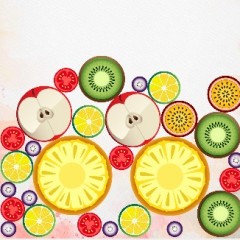
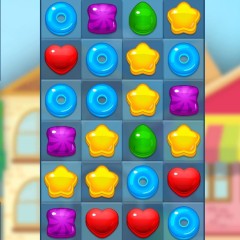
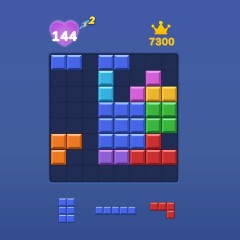
The game provides three random block shapes below the empty grid. You need to drag and drop these shapes onto the grid to complete full rows or columns, clear them, and create more space for upcoming blocks.
Prioritize clearing blocks over placing them
Unlike the simple, easy-to-master gameplay of Duck Clicker, Block Blast requires strategic thinking and logical planning to position each block correctly. You earn points for every block you place on the grid. However, when a row or column is filled, the blocks are cleared, and you receive even more points for the elimination. That means placing large shapes is not always the smartest move. Sometimes it is better to focus on creating complete lines instead.
Clear the entire grid for bonus points
Another great way to earn big is by removing every single block from the grid, which gives you a bonus of around 300-400 points. In reality, pulling this off requires both strategy and a bit of luck, since the new blocks appear randomly with different shapes.
Block Blast FAQ
To answer the most common questions from players, we have compiled a short FAQ below.
What are the different game modes in Block Blast?
Currently, Block Blast does not feature multiple modes. This arcade puzzle game only offers a single endless mode, where the goal is to keep playing as long as possible without filling up the grid.
What are some tips and strategies for playing Block Blast?
- Remembering common block shapes such as L-shapes, zigzags, and straight lines helps you plan where to leave empty spaces.
- Destroying blocks consecutively will trigger combos that boost your score.
- Like any skill-based game, practice makes perfect. The more you play, the better you will understand how to manage the grid and handle unexpected shapes.
Who is the publisher of Block Blast?
The publisher of Block Blast is Hungry Studio. You can now play the game for free online at https://duckclicker.io.
What are the controls for Block Blast?
Use your mouse to drag and drop blocks on PC, or tap and drag on your mobile device to play.